Nutrition tracking that fits your day

Stay within your calorie limit and meet your protein needs without the busywork.

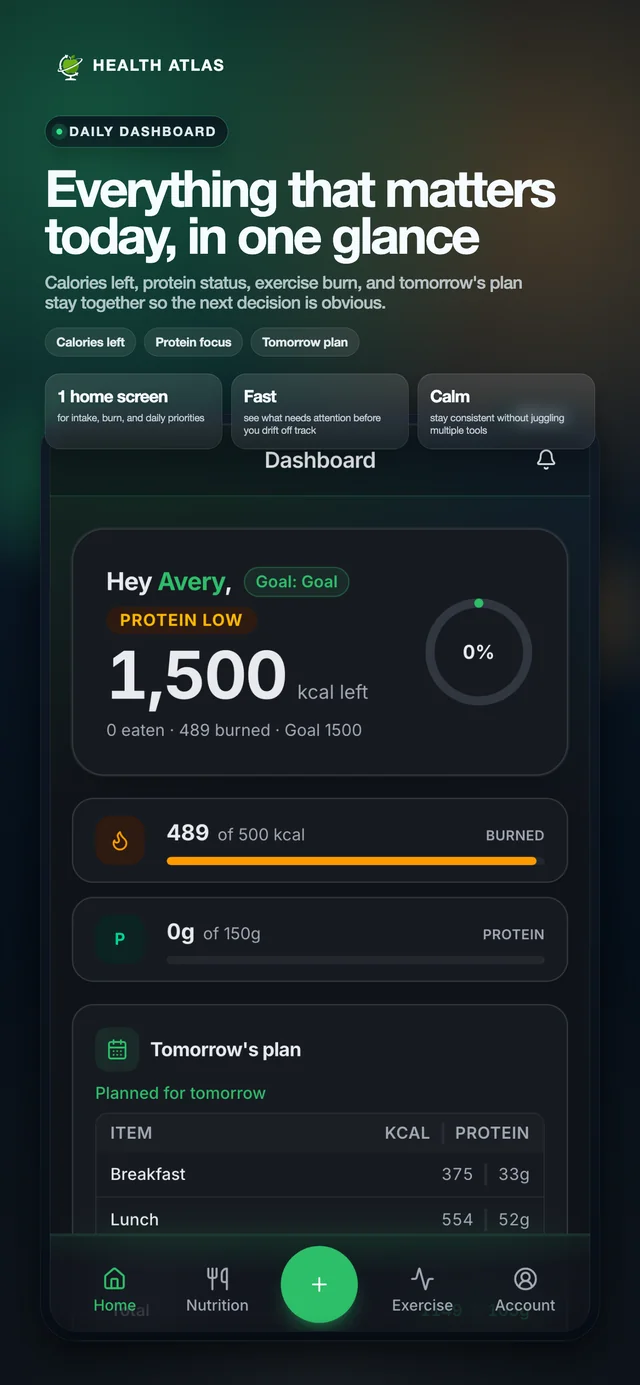
See your calories remaining and protein in one place, with less time spent tracking.

Free Starter plan Sync on iPhone, review on web AI assistant and Health Trends
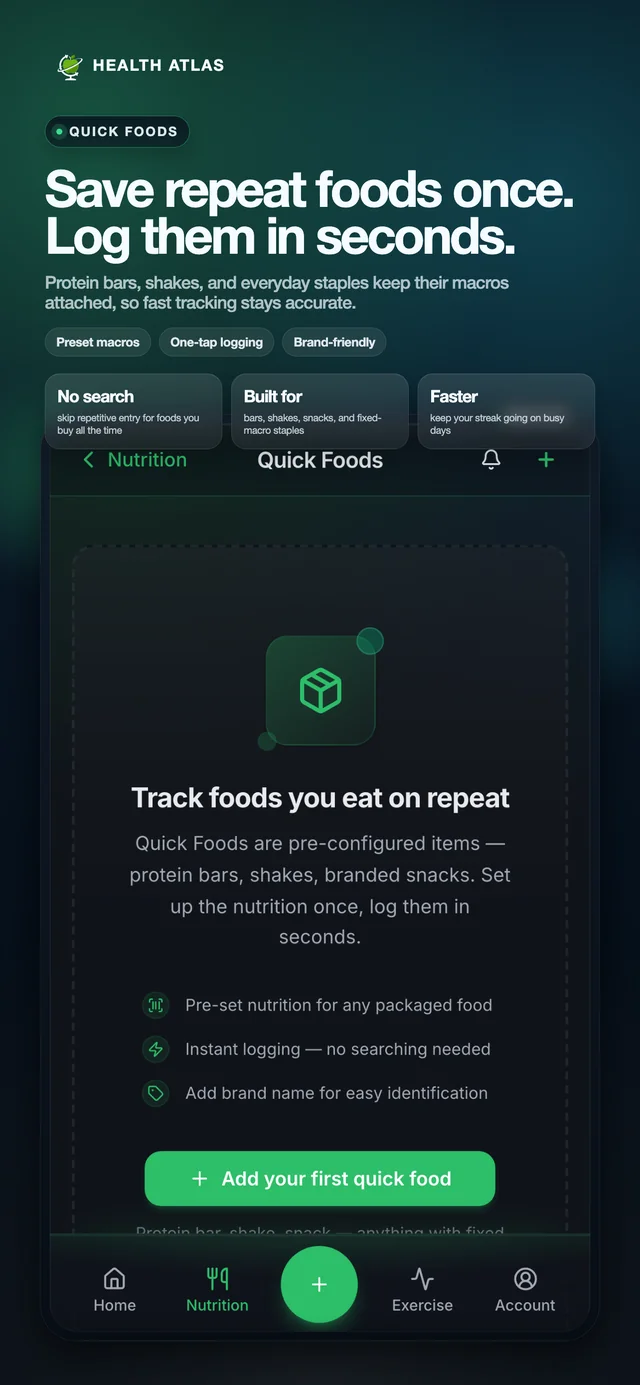
  • Log in secondsReuse saved foods and meals without typing them again.
  • Plan tomorrowChoose meals ahead and see how they fit your calorie limit.
  • Apple Health in one placeSync on iPhone. Review nutrition and activity together on web.

Start with the free Starter plan.

Health Atlas dashboard showing calories remaining, protein, activity, and tomorrow’s meal plan.
Your privacy

We never sell your health data.

No health data for ads

We never use Apple Health data for advertising. We do not use your health, nutrition, chat, or support content for third-party advertising.

Request deletion anytime

Delete your account from Profile or contact support. Core account data is scheduled for permanent deletion within 30 days by default, with retention exceptions explained in our privacy policy.

Know who processes AI data

AI features use Google Gemini or OpenAI, depending on the feature and configuration. Prompts, relevant app context, and any images or audio you submit may be sent for processing outside Australia.

See the product

One system for meals, movement, and momentum.

Use the iPhone app to log, plan, sync Apple Health, and capture workouts. Then review the same account on web with a clearer dashboard and stored trend context.

  • Save foods, ingredients, recipes, and standard meals so repeat days stay fast.
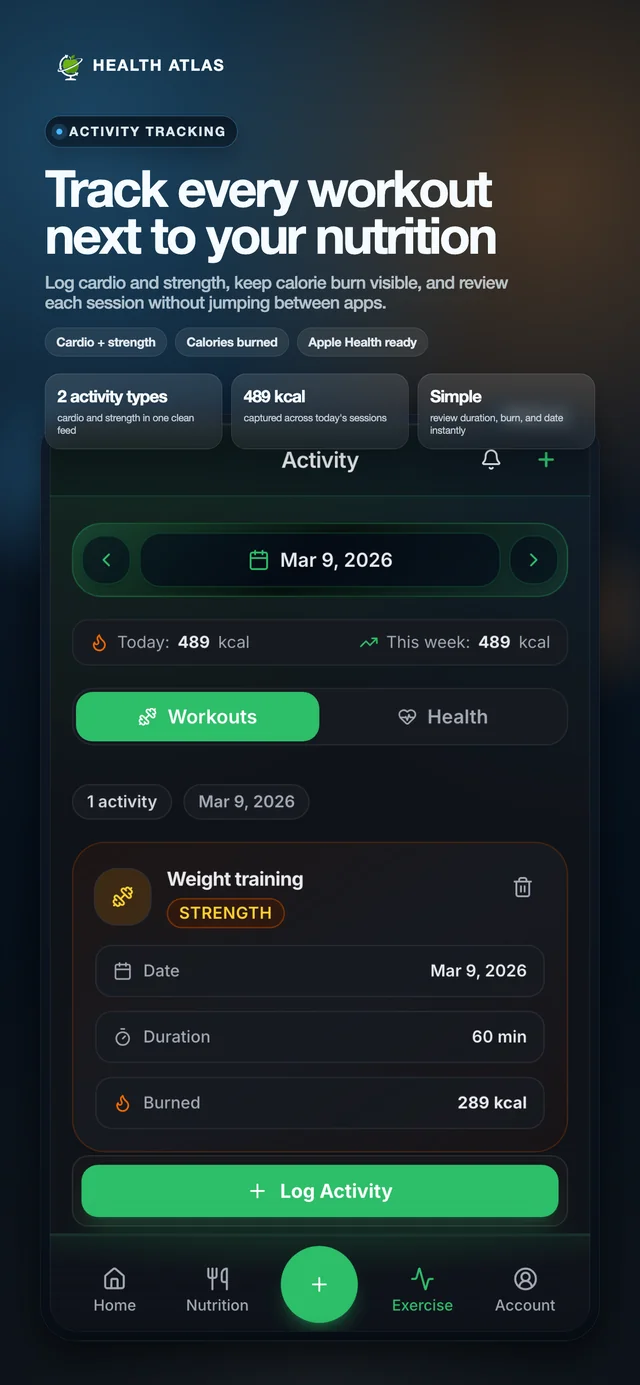
  • Sync steps, burned calories, and workouts from Apple Health without making it mandatory.
  • Use AI for nutrition questions, food creation, recipe analysis, and label scans.
iPhone logging Apple Health sync Web review
The daily loop

Three steps that make consistency feel lighter.

The product is built around a repeatable routine: plan ahead, log fast, and review with context.

1

Plan tomorrow in a minute

Pre-select tomorrow's meals tonight so the day starts with direction instead of fresh decision fatigue.

2

Log with repeat-ready tools

Use saved foods, standard meals, recipes, quick foods, or AI help to keep meal entry fast even on busy days.

3

Review with better context

See calories, macros, steps, burned calories, workouts, and trends together so weekly adjustments are easier to trust.

What users can do today

Built around the features people actually keep opening.

Health Atlas covers the full routine without turning the app into a cluttered control panel.

AI assistant

Ask nutrition questions, create foods, analyze ingredients or recipes, and move from idea to log faster.

Saved foods & standard meals

Store the foods and meals you use most so consistent logging stays sustainable across real life repetition.

Recipes, ingredients, and label scans

Build detailed foods when you want precision, or scan labels and quick foods when speed matters more.

Apple Health & trend reviews

Bring workouts, steps, burned calories, sleep, heart, and weight trend context into the same weekly review flow.

Workout logging

Record activity, duration, and calories burned alongside your nutrition log.

Limits and tomorrow planning

Set calorie limits and macro ranges, then use tomorrow planning to start the next day with less friction and more follow-through.

Outcomes

Why this feels easier to stick with.

Less repeat admin

Saved foods, standard meals, reusable recipes, and fast entry paths mean your app gets quicker the more you use it.

Better decisions with fuller context

Calories, activity, workouts, and trends stay close together, so weekly choices feel informed instead of reactive.

A clearer review rhythm

Instead of resetting every week, you can spot what changed and choose one practical next adjustment.

Behind Health Atlas

Built in Melbourne

Health Atlas brings food logging, meal planning, and health context together to support a flexible daily routine.

Read our methodology

Methodology and sources

Daily calorie limits use BMI classification, the Mifflin-St Jeor resting metabolic rate equation, a sedentary energy estimate, and NHLBI calorie-planning guidance. Estimates are a starting point, not a guarantee of results. This information is educational and should not replace medical advice.

FAQ

Questions people ask before they start.

Can I log quickly without rebuilding the same meals every day?

Yes. Save foods, ingredients, recipes, and standard meals once, then reuse them whenever you need a fast repeat log.

Can AI actually help me log faster?

Yes. The assistant can answer nutrition questions, help create foods, analyze ingredients or recipes, and scan nutrition labels before you save anything.

Do I need Apple Health to use the app?

No. Apple Health sync is optional. You can start fully manual, then connect it later if you want steps, burned calories, sleep, or workouts in context.

If I sync on iPhone, can I still review my data on web?

Yes. Synced Apple Health snapshots, workouts, and review context can be stored on your account so the same progress picture stays useful when you open the web app later.

Start with the free plan and build a better routine from there.

Use the core workflow for free, then upgrade when you want more AI, deeper review tools, and higher daily caps.